Before
UpGro Digital's Google Workspace account could send email but could not receive it.
How Codelattice, a Google Workspace partner in India, found out why UpGro Digital could send email but not receive it.
UpGro Digital's Google Workspace account could send email but could not receive it.
The domain's MX records now carry the details Codelattice supplied.
1 root cause identified * 1 DNS update guided * support ongoing since September 2019
UpGro Digital helps businesses, corporates and celebrities improve their online performance through strategic websites, digital branding and digital marketing. For an agency selling that kind of work, incoming email carries client requests, so a mailbox that stops receiving is an urgent problem.
The team contacted Codelattice because their Google Workspace account was no longer receiving any email, even though sending from it still worked. They were very upset about the situation, and Codelattice moved quickly to find out why.
Three things made the problem hard to pin down:
A healthy-looking account. Sending worked as normal, so nothing inside the account pointed to a fault, and the cause had to be found somewhere else.
Bounced messages. Anyone emailing the agency got the message back as undeliverable, so the failure showed up on the sender's side before the team could see it.
A fix outside the account. The answer lay in the domain's settings, which meant the client's involvement was part of the solution from the start.
Codelattice's technical team reviewed the issue and followed it to the domain. Three steps took it from a report of bouncing mail to a working inbox, and the client made the final change themselves with details Codelattice provided.
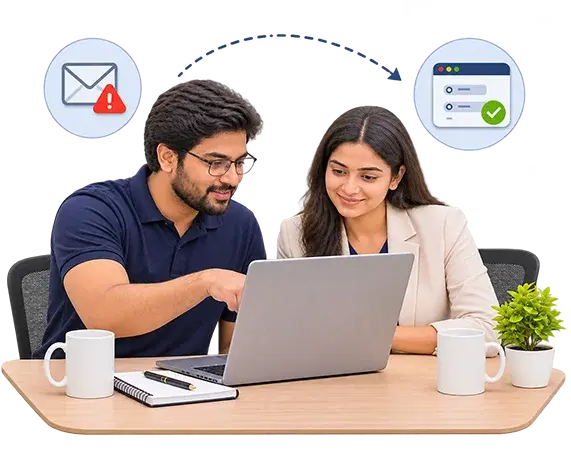
Sending and receiving depend on different things, which is why one could keep working while the other failed. Codelattice's team inspected the issue and found that the incoming emails were bouncing because the MX records had not been updated.
| Sending mail | Receiving mail | |
|---|---|---|
| What controls it | The Google Workspace account and its mail servers | The domain's MX records |
| Where it is set | In the account | In the domain's DNS settings |
| In this case | Kept working | Failed |
Codelattice told UpGro Digital what had caused the bouncing and gave them the details needed to update the MX records. Since those records sit in the domain's settings, the client's own action was needed, so the explanation had to be specific enough for them to act on it.
The client updated the record using the details Codelattice had provided, and the issue was resolved. Incoming email worked again, and sending had never stopped.

The engagement produced three things:
UpGro Digital receives email again on its Google Workspace account, and the support relationship dating from September 2019 continues.

Mail that sends but will not receive can look like a Google problem when the cause sits somewhere else. Codelattice is an authorized Google Workspace partner serving businesses across India, and it looks at the domain as well as the account when email stops working.
Success stories that define our expertise in SaaS implementations, cloud hosting, RPA, AI, and more.